Manage international client projects in one place.
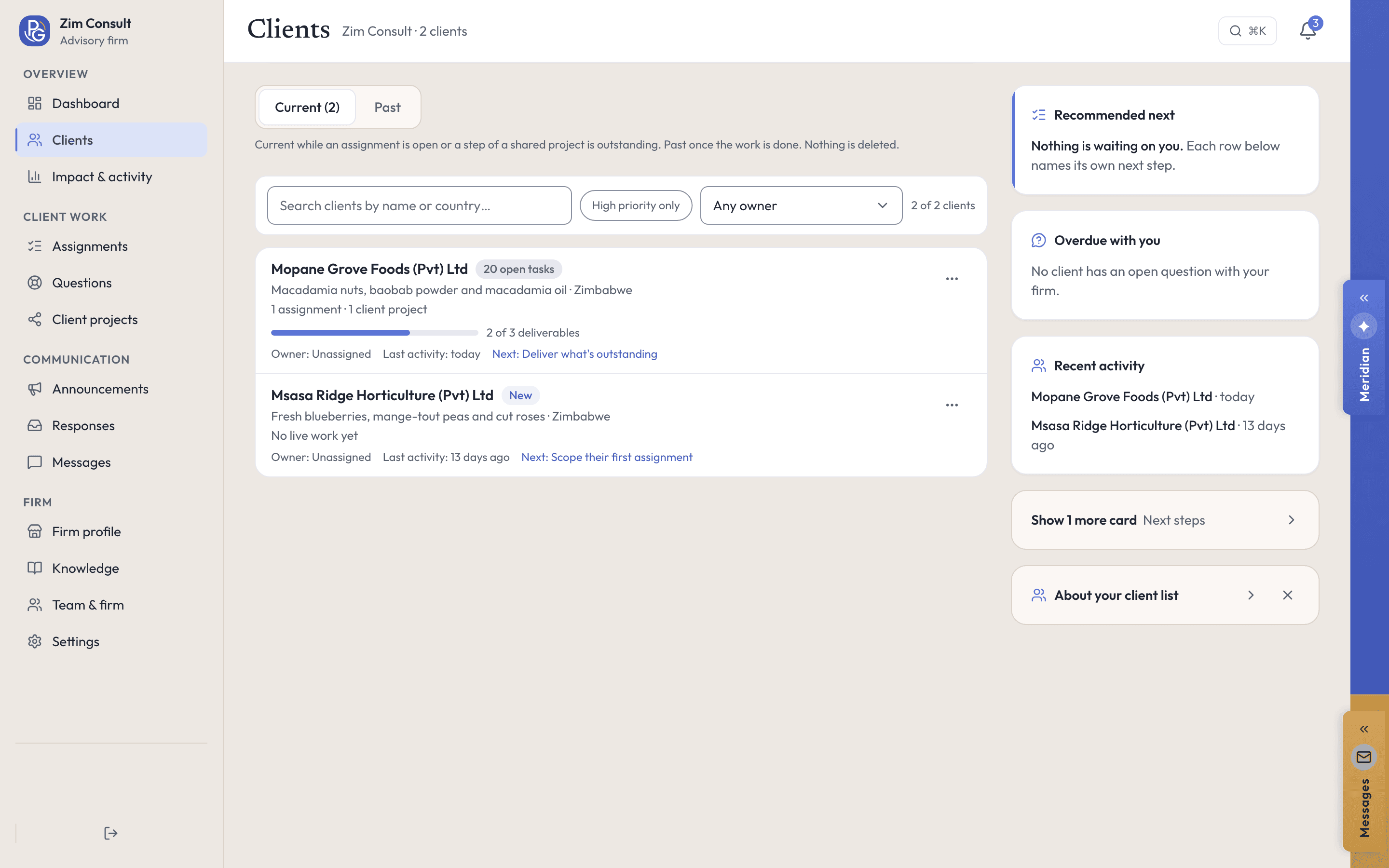
Keep each client’s markets, tasks, documents and notes together, under the client they belong to.
- Client projects
- Shared tasks
- Client-owned workspace
Your clients keep their own workspaces, and every share is theirs to end.

What your practice controls
The client owns the project. You are in it because they said so.
The share is theirs, and so is the ending
A client shares a project view-only or with editing, and the console says which. Closing the last assignment with that client ends the access.
Only the client accepts, and only the client confirms
Acceptance of a scope and confirmation of an outcome are written from the client’s own account. Revising a proposal clears the acceptance, because a new offer needs a new yes.
Your profile is your own words
A practice is set up with us and then lists itself: the services, team and case studies a company reads are the ones your firm wrote.
Watch it work
Advice that lives inside the client’s project.
A client shares a project with your firm, and you work its plan with them, in their workspace and under your name.
Real screens, recorded in our demo workspace with invented Zimbabwean companies. No sound needed.
How it works
Keep your advice connected to the client’s project.
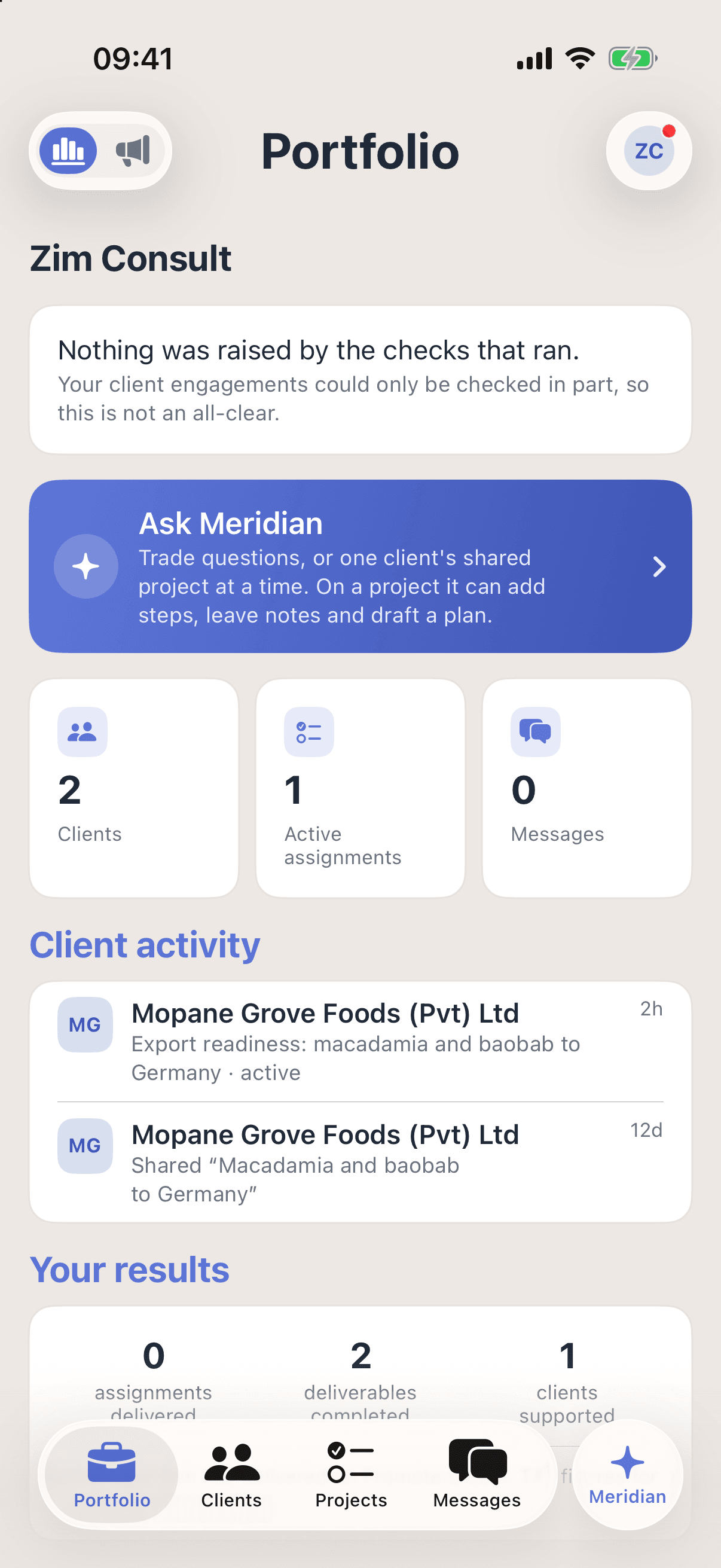
Step 1: Every client in one place
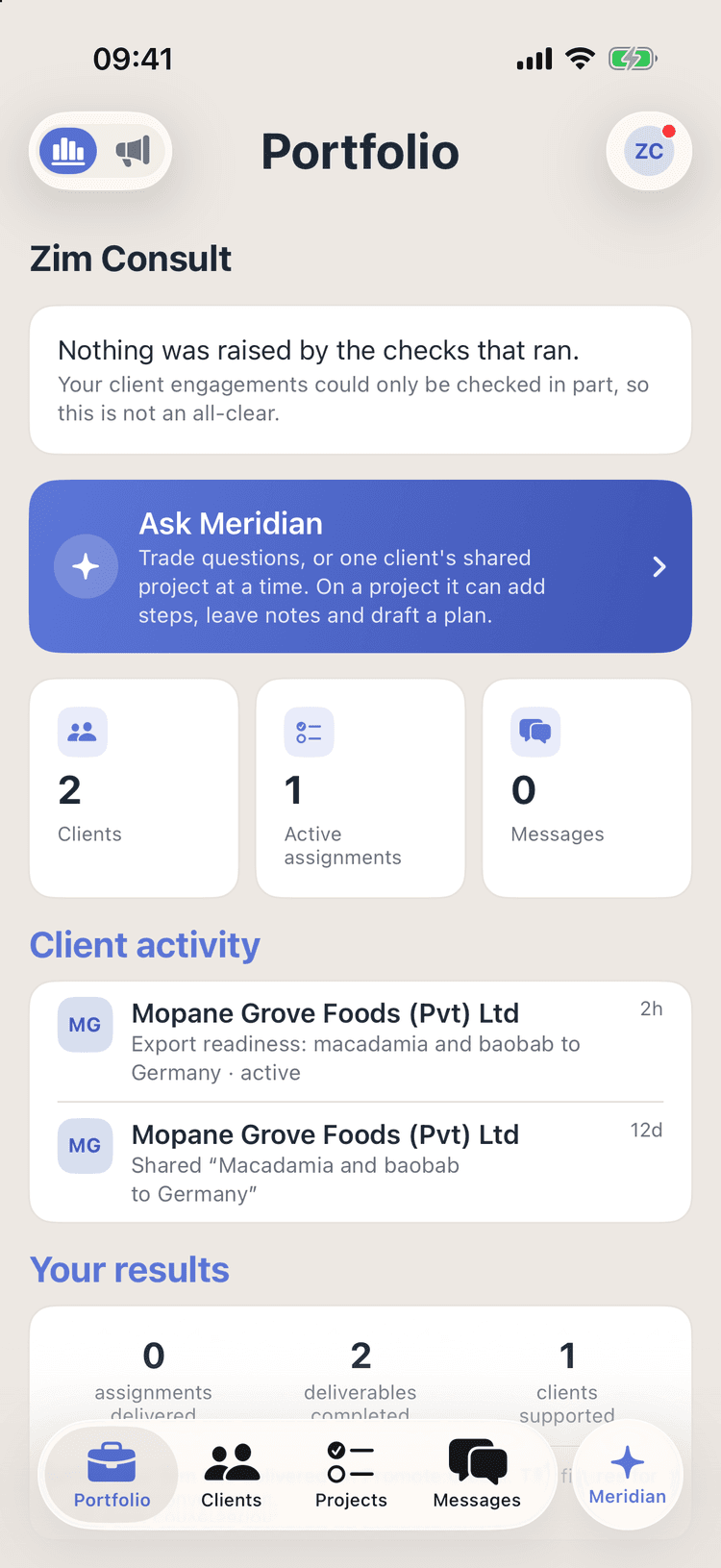
Your Portfolio counts the clients, the assignments running and the messages waiting, and lists each client’s latest activity, such as an assignment under way or a project shared with your firm.
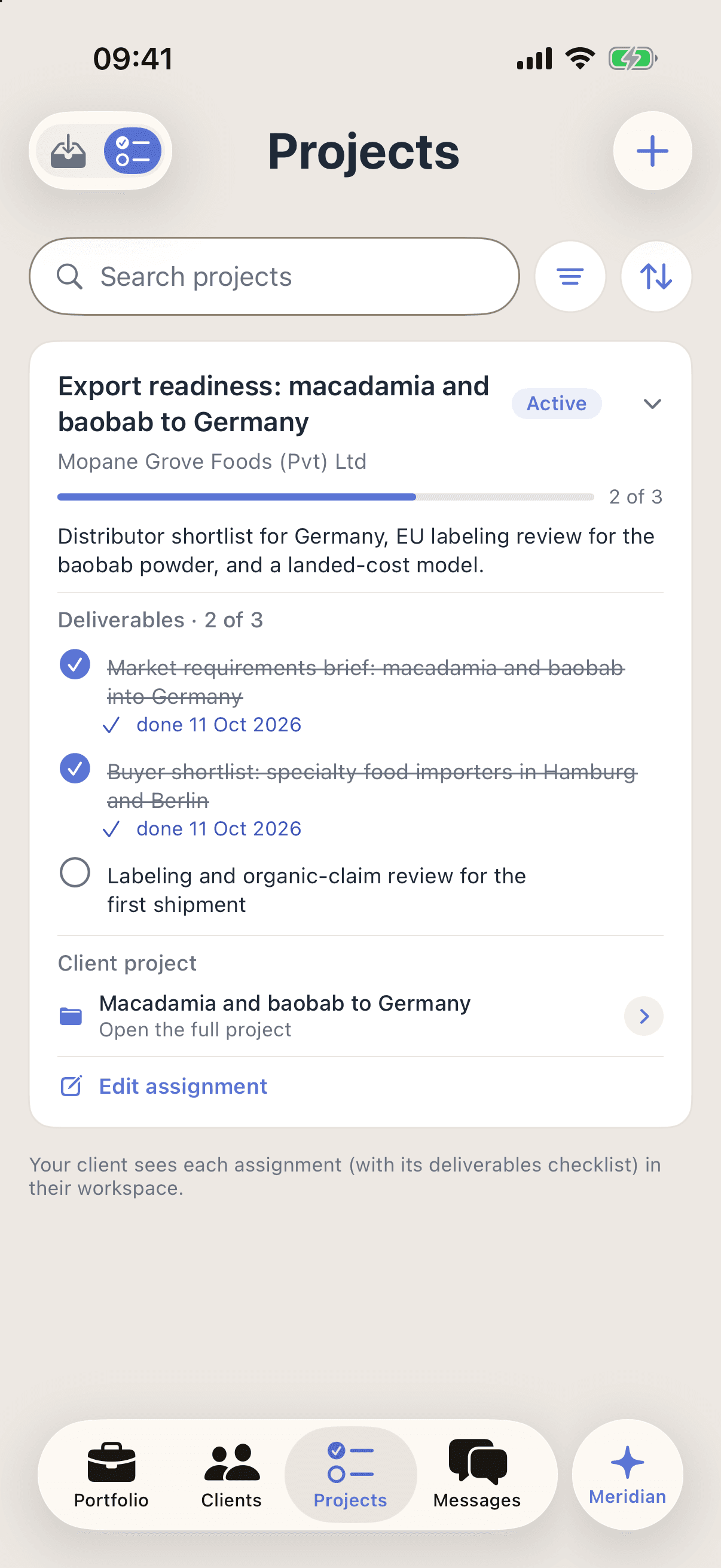
Step 2: Run clear assignments
Set the scope, deliverables, dates and fee. The client accepts the scope from their own account, and the assignment names the project the work belongs to.
Step 3: Work inside the client’s project
Add a step, a note or a lead to a project a client shared. Each one is signed with your firm’s name, and the project stays the client’s when the work ends.
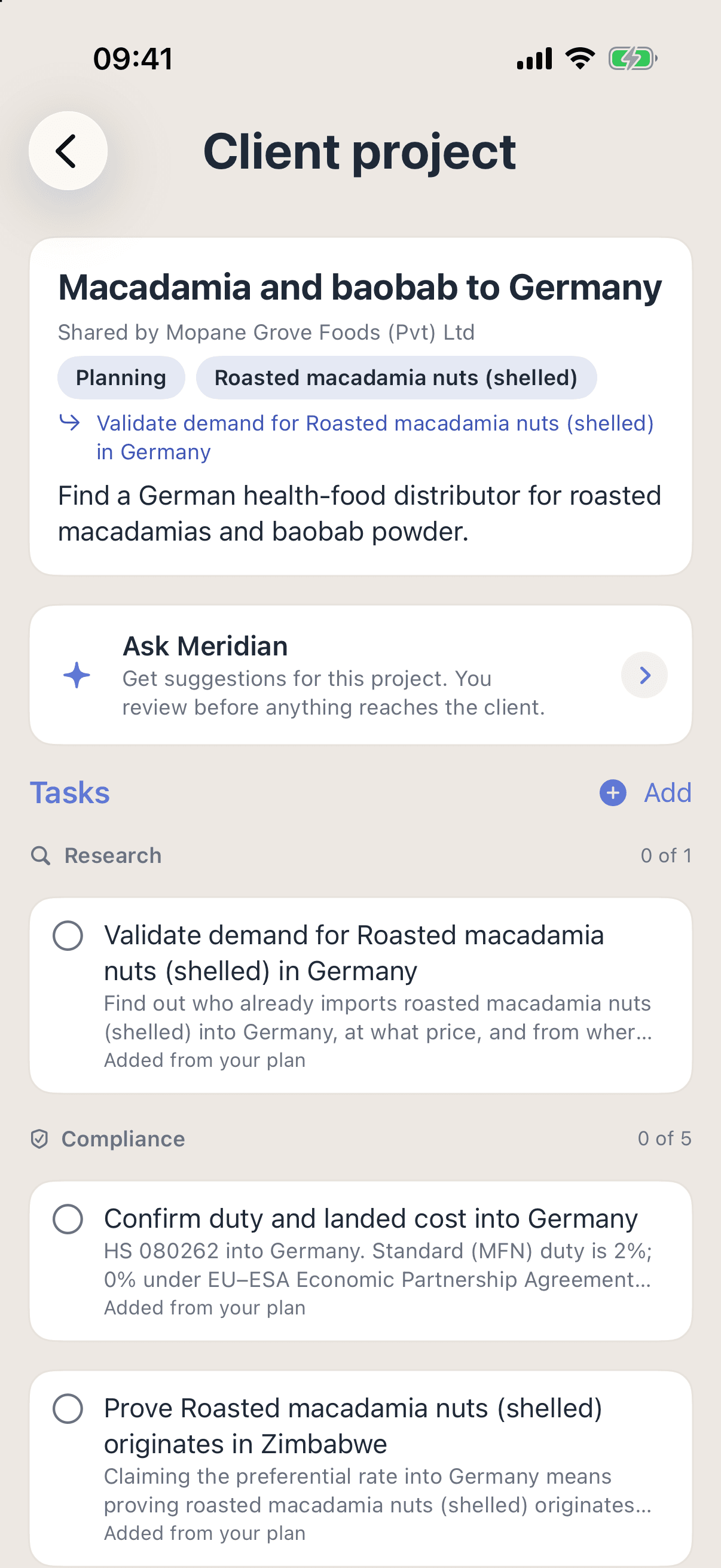
Institutional Meridian
An assistant that already knows your clients.
Institutional Meridian answers over your practice’s own record: which clients you hold, which assignments are running, what is overdue. It never reaches across your clients, because one client’s project needs that client’s live grant.
Ask
- What needs my attention across my clients?
- What should this client do next?
- What’s blocking this project?
Do
Add the step to a project the client shared — the client is told
A note on this client project
Documents for this client project
Every plan carries a monthly allowance of AI actions, and the app keeps count of it. Meridian is AI. Verify before acting.
Bring your client work into one place.
Tell us about your practice and the clients you support, and we will set the console up with you.
Advisory practice plan
Custom, for your practice, with seats for the whole team and your firm profile.
- After you book · 1Pick a time, and tell us how your practice runs.
- After you book · 2We walk you through the console first, and scope the pilot second.
- After you book · 3We set the console up with you. There is no self-serve sign-up.
Or email us at hello@promoteglobal.org