See which companies need your support.
Track exporters, investors, target markets, projects and support activity in one platform.
- Company activity
- Target markets
- Support delivered
Companies choose what they share with your office, and can stop sharing it.

What your office controls
The questions a public office has to be able to answer.
Named where connected, counted where not
A company on your roster is named. Every other company in your jurisdiction reaches you as a sector sentence — “a company in agriculture and food” — and never as a name, until it connects.
Staff have roles, and the trail is append-only
Staff are invited by email and carry a role. When a company answers one of your announcements with its company card, a receipt is written and the company can withdraw it. A support request keeps its own log.
The report leaves with you
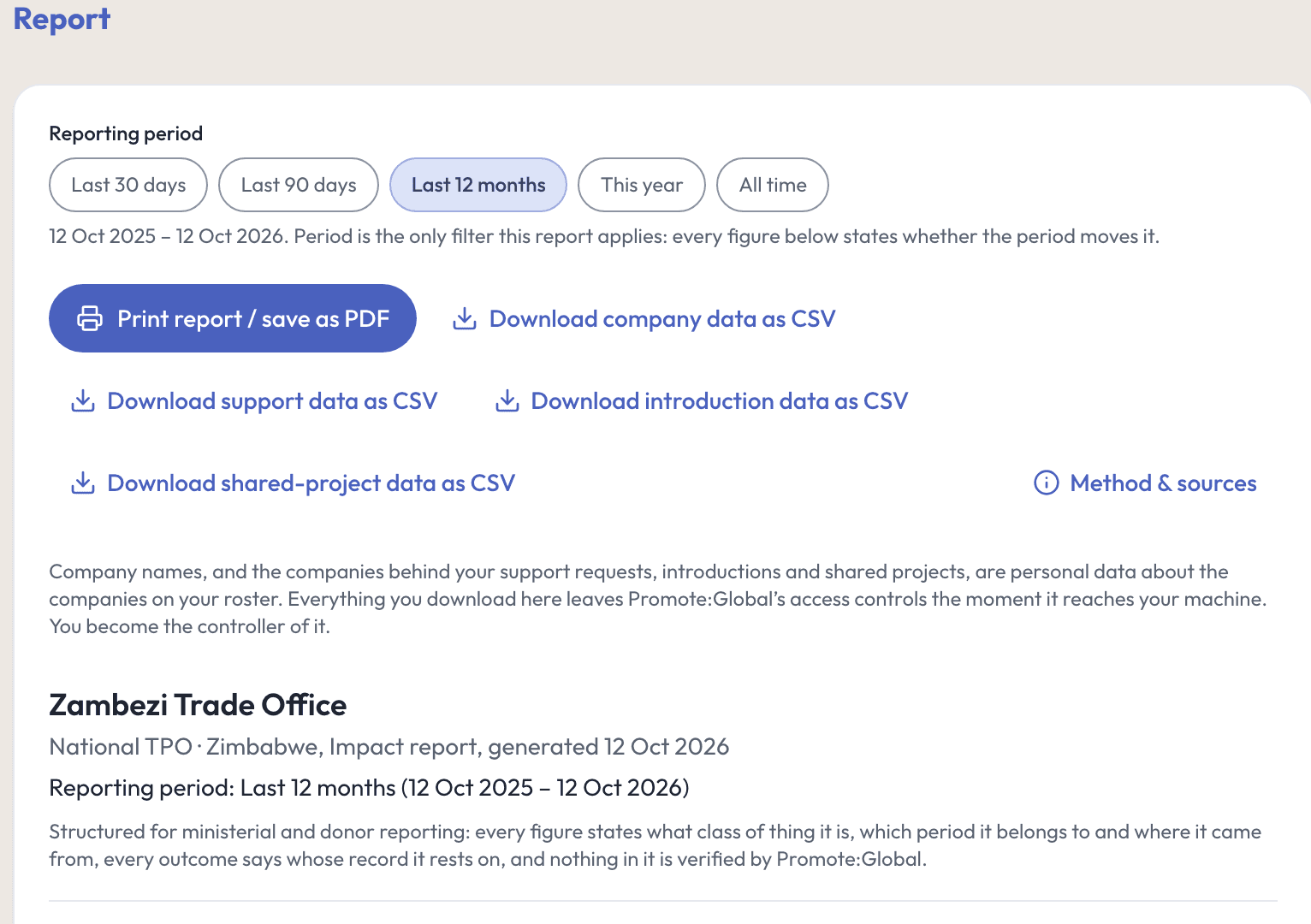
Each class downloads as CSV with the reporting period on the file, and the whole report prints with its method note: what was counted, the definitions used, and what it excludes.
Watch it work
See where your companies want to sell, and where support matters.
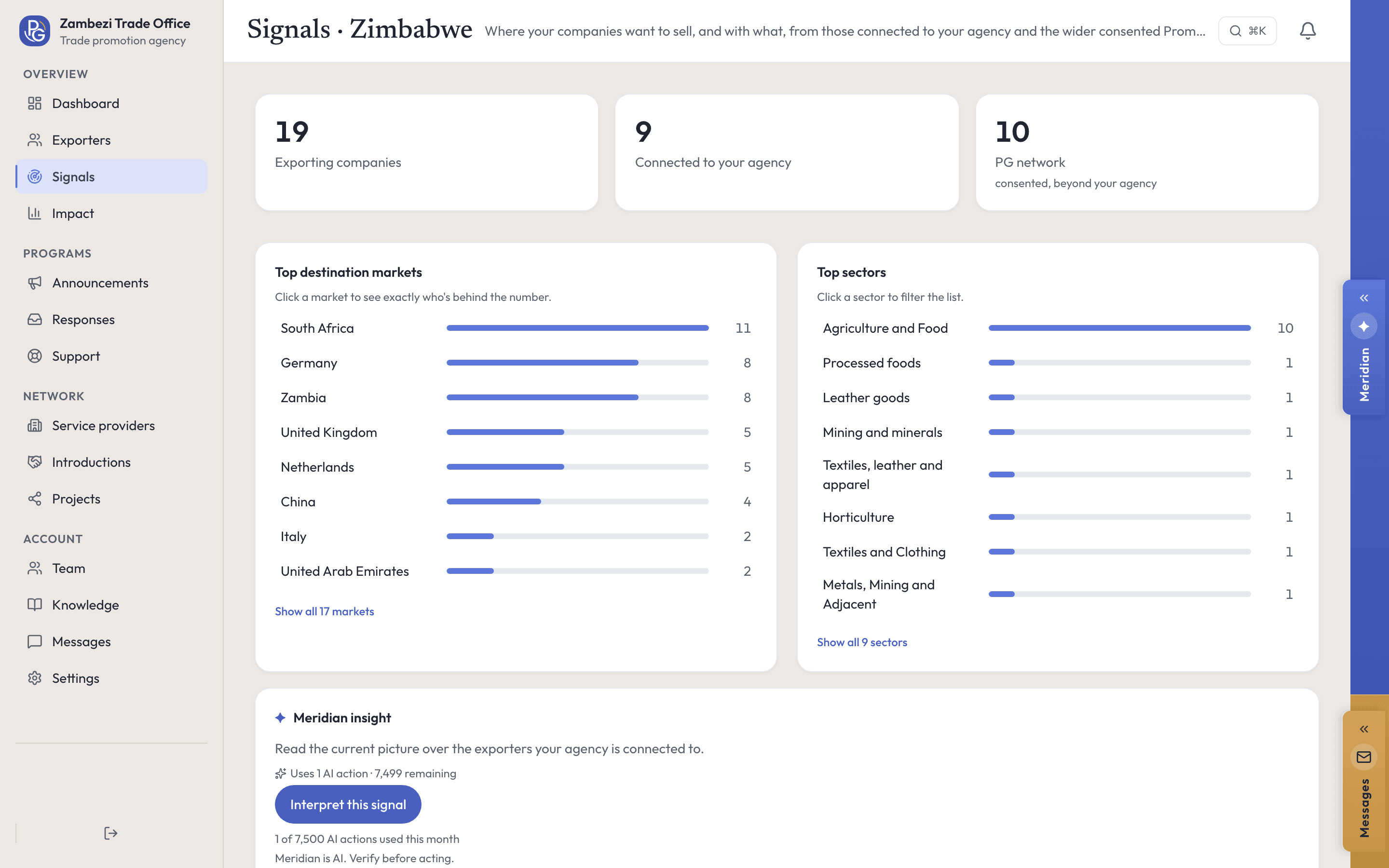
Signals shows the destination markets and sectors of the companies connected to you. Ask Meridian about your roster and it answers from the same data.
Real screens, recorded in our demo workspace with invented Zimbabwean companies. No sound needed.
How it works
See your companies, where they are going and what they need.
Step 1: See each company
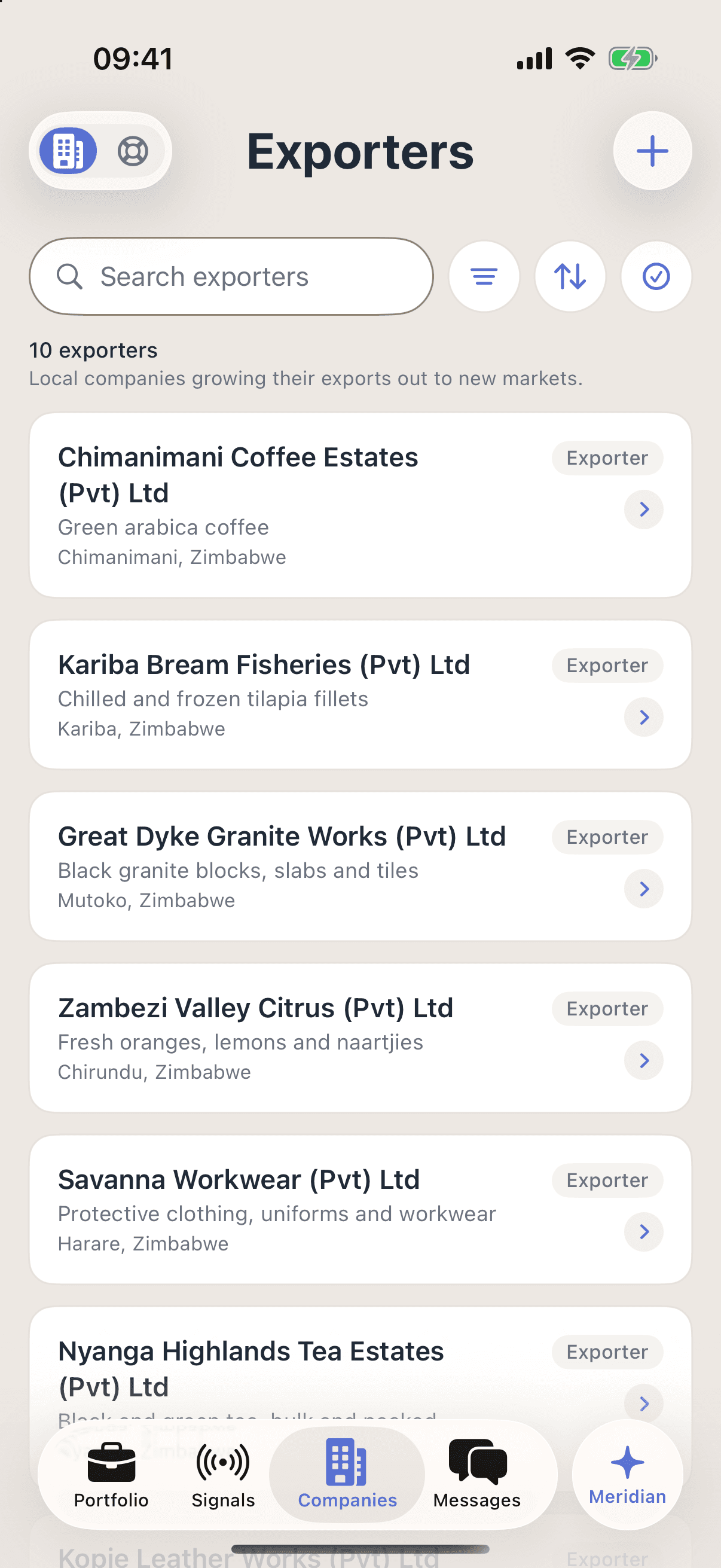
Every connected company by name, what it sells and where it is based, on an export lens or an investment lens. A row opens its shared projects, open requests and assigned staff member.
Step 2: See where they want to go
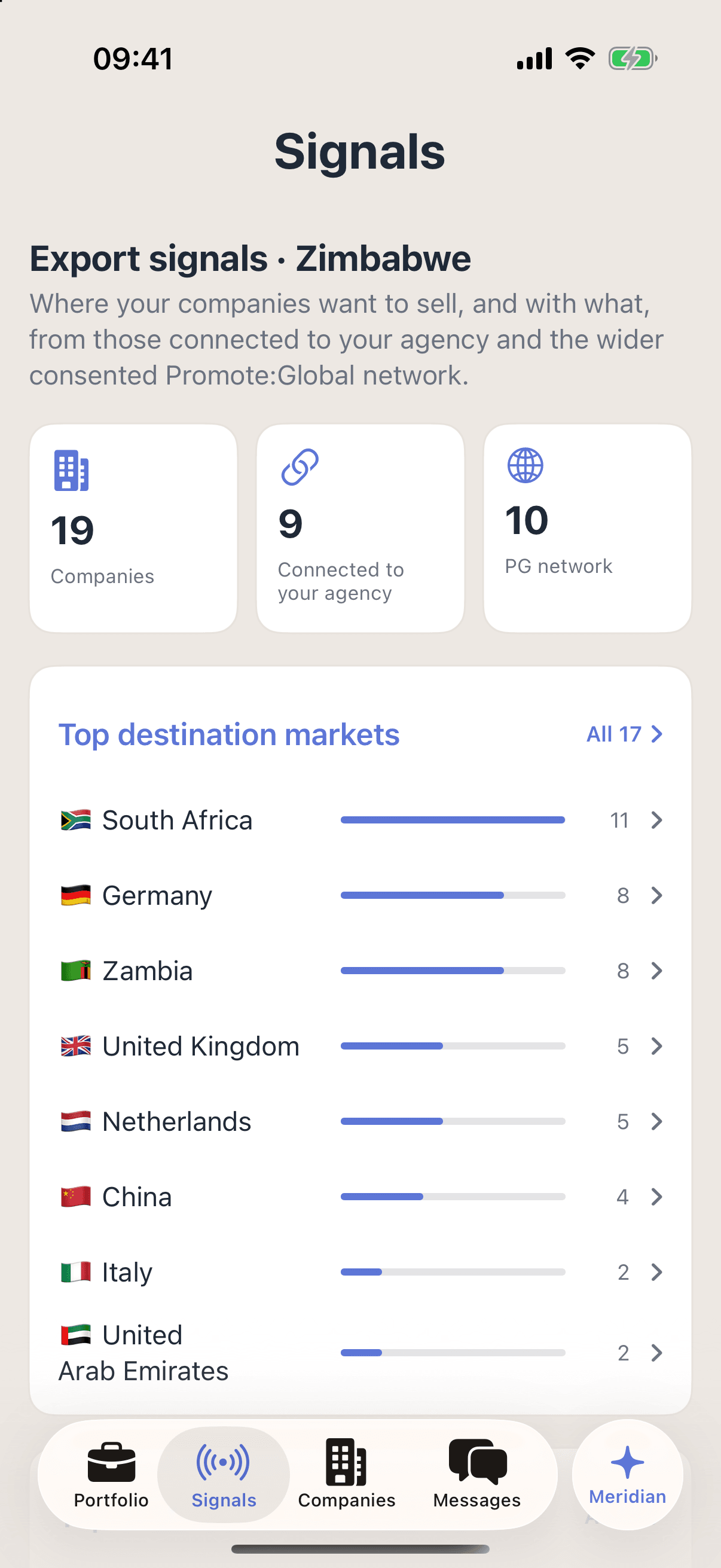
This screen counts the markets companies name in their own plans. Companies on your roster are named; every other company in the consented network is counted and never named.
Step 3: Report what your team delivered
Activity, pipeline and outcomes for the period you pick, on either mandate or both. Effort is counted apart from results, and every figure says how it was counted.
Institutional Meridian
Ask about your companies and markets.
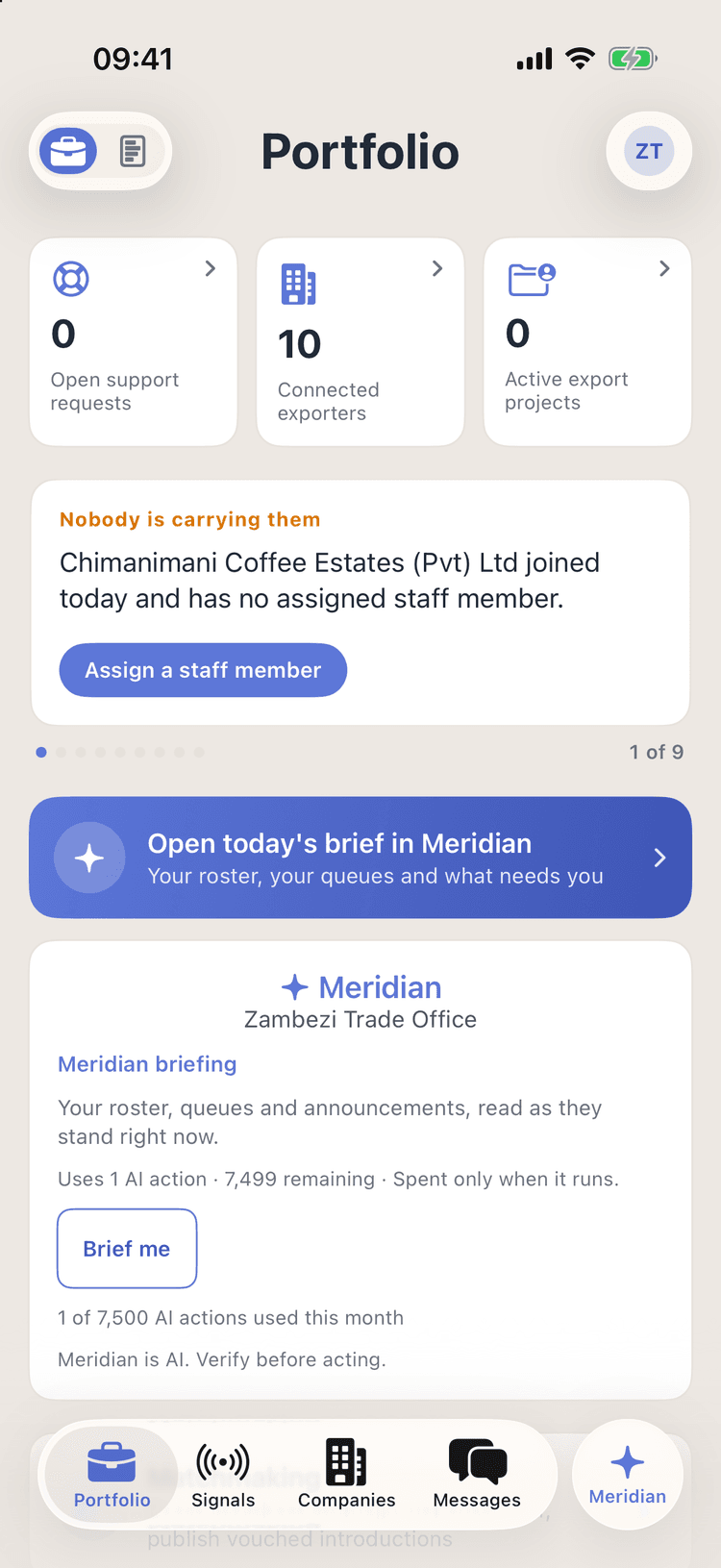
Institutional Meridian reads what your console can already see — your roster’s shared profiles, your open queues, your announcements and your opportunities — and nothing else. A trade office is never handed investor pipeline, and an investment office never export signals.
Ask
- What needs you today· No AI action used
- What’s blocking progress?
- What changed recently?
Do
Draft a follow-up
Draft a reply to a support request
Draft an announcement — every draft opens in your own composer; you press Send
Meridian’s brief, what needs your attention today, is free to read. A deeper briefing costs one AI action from your organization’s monthly allowance, and the card shows the price before you press it. It runs on Promote:Global’s EU-resident AI. Meridian is AI. Verify before acting.
Run a pilot with your companies.
Tell us about your program and the companies you want to support.
Program license + seat pool
Custom, by cohort size. A sponsored seat never touches a company already paying for itself.
- After you book · 1Pick a time that suits your team, and tell us the mandate you run.
- After you book · 2We walk you through the console first, and scope the pilot second.
- After you book · 3A pilot starts only once you have agreed on its scope and its price.
Or email us at hello@promoteglobal.org