Promote your investment opportunities. Help companies invest in your market.
Publish opportunities that every company on Promote:Global can browse. Your team answers the companies that ask about them, helps the companies in your program with the projects they share, and points them to service providers.
- Opportunity listings
- Shared projects
- Service providers
Companies decide what you see. A company in your program is named and shares only the projects it chooses; interest from anyone else is counted, not named, and a company that asks you about a listing does so by name.
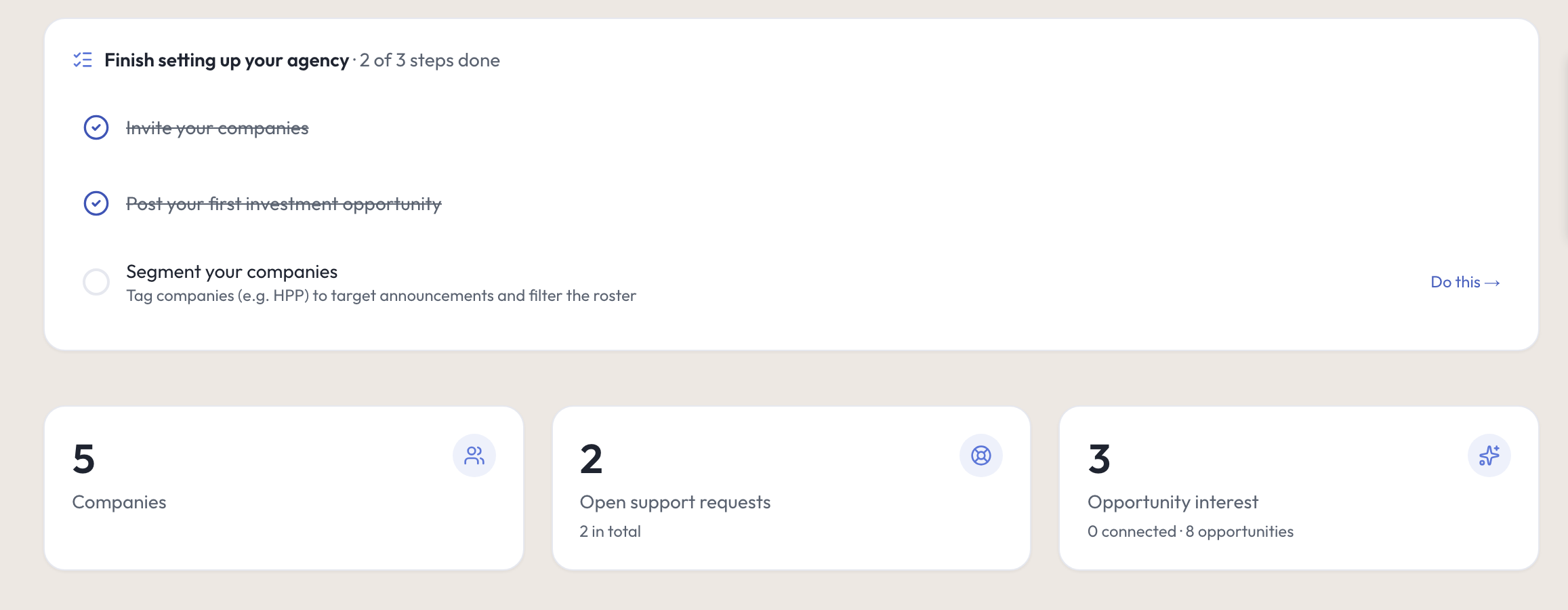
How it works
From a published opportunity to a project your team can support.
A company can reach you through one of your opportunities or with an investment project of its own. Either way, your team works with the companies in your program, on what they share.
Step 1: Publish investment opportunities
Set out the sector, location, investment range and what you are looking for. Every company on Promote:Global can browse it, a public web page is optional, and you can pause, edit or delete it.
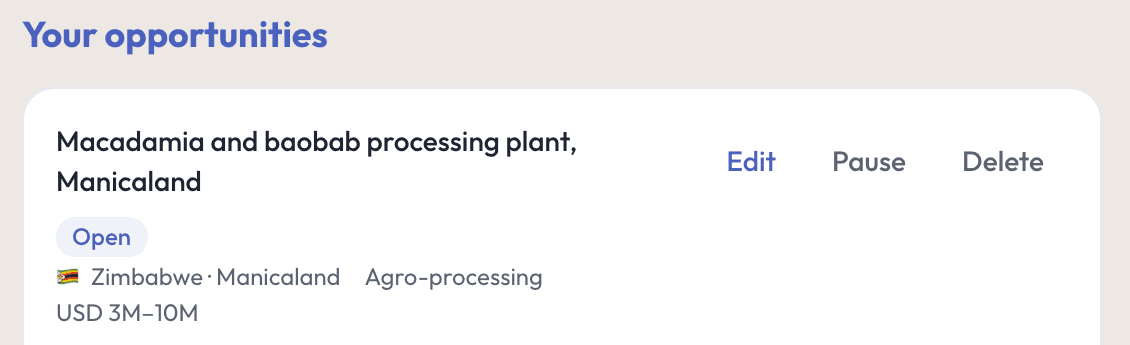
Step 2: Engage interested companies
Interest from a company in your program arrives by name, with a message one click away; anyone else is counted. Any company can ask about a listing, and you answer in your support queue, with your program’s invite link if you choose.
Step 3: Support the projects they start
Whether it answers your opportunity or is its own plan, a company in your program can share its project with you. Your team assigns a staff member and, with Can add and help, adds steps, notes and files.
Step 4: Connect them with service providers
Keep your own list of service providers for the companies in your program, open the directory for a company you are helping, searched by city or country, and approve the introductions it asks your agency to make.
Institutional Meridian
Ask about your opportunities and the companies behind them.
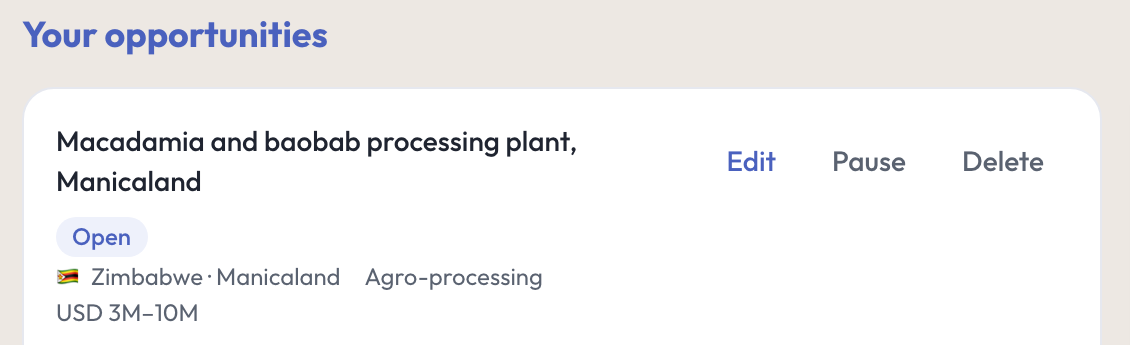
Institutional Meridian reads what your console already sees: your opportunities and the interest they drew, what companies in your program share, your requests and your announcements. Ask it to sum up an opportunity’s interest or a company, then have it draft what you send.
Ask
- What needs you today· No AI action used
- Summarize the interest
- Summarize this company
Do
Draft a follow-up to a company in your program that expressed interest
Draft a reply to a question about a listing or another support request
Draft an announcement — nothing is sent or published until you press Send or Publish
Every other answer or draft costs one AI action from your organization’s monthly allowance, shown before you press it. It runs on Promote:Global’s EU-resident AI. Meridian is AI. Verify before acting.

Reporting
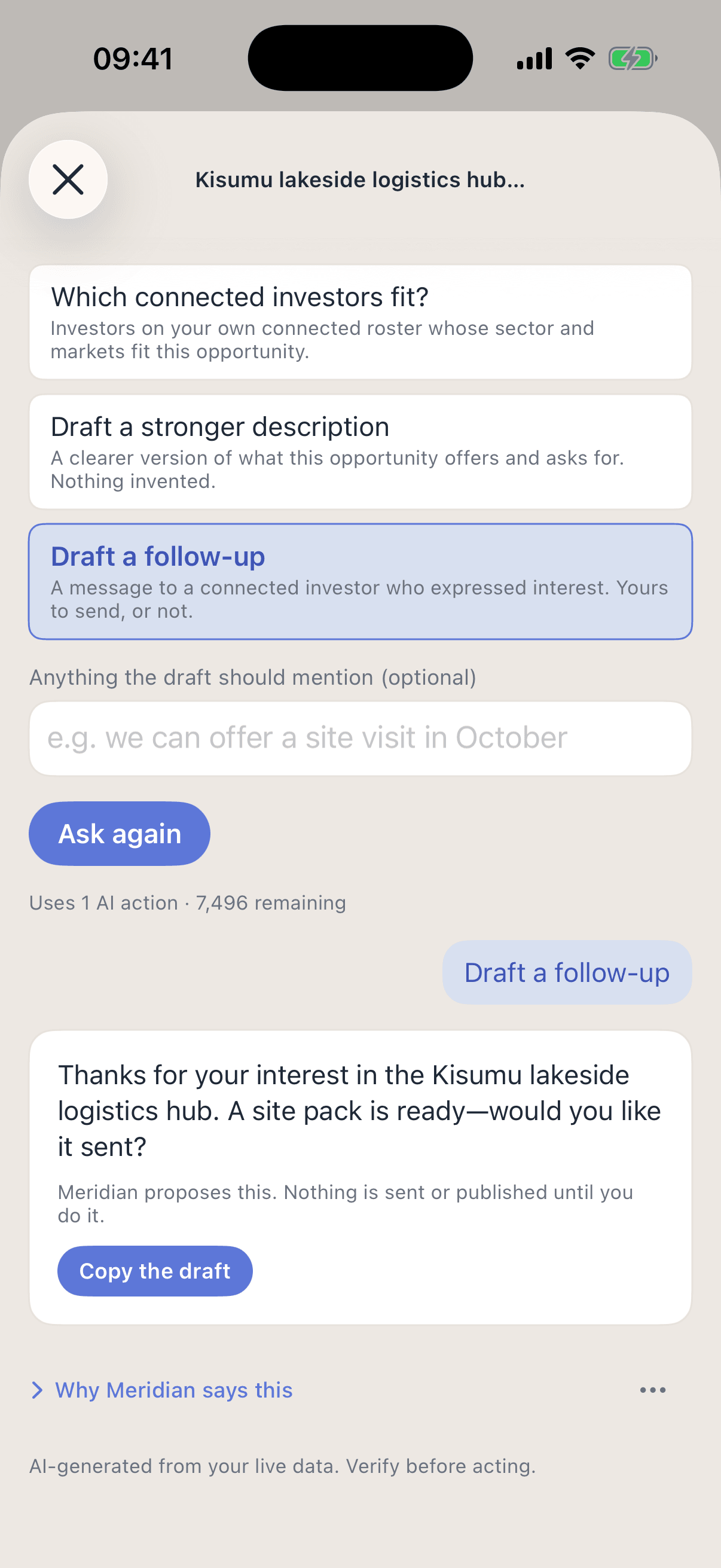
When you report, every figure says what it counts.
The Impact report counts your team’s work in a period you choose, and marks the figures that stand as of today or for all time, such as the investment pipeline and the outcomes companies recorded. A pipeline is never counted as a result, and no figure claims your agency caused an investment.
Interest and pipeline
Interest in each opportunity, the companies in your program whose intent is investment, and the projects they share with you, by stage and destination.
Support delivered
Requests answered and resolved and introductions through your agency, for any period, and the announcements you published.
Reports you can file
Print it or save it as PDF with its method note, and download company, support, introduction, project and investor-interest data as CSV.
Who sees what
What companies share, and what your agency sees.
Your opportunities
Every company signed in to Promote:Global can browse your open opportunities, the ones matching its markets and sectors first. A public web page is your choice for each listing, and it shows no contact details.
Companies
A company in your program is named, with what it chooses to share. A company outside it is named only when it asks you about a listing. Otherwise its interest is counted, and Signals lists it only by sector, home country and target markets. One that turned off discovery does not appear in Signals.
Projects
You see a project only when a company in your program shares it, as Can add and help or View only, and it can stop sharing at any time. Its own steps stay its own.
Put your investment opportunities in front of companies.
Tell us about your mandate, the sectors you promote, and the team that will use the console.
Program license + sponsored seats
Custom, by program size. Your sponsored seats go to the companies that join your program, such as the prospective investors you invite: each gets the Pro plan at no cost to it while seats remain. A company already paying keeps its own plan.
Or email us at hello@promoteglobal.org