Help companies get started. Give them the tools to grow internationally.
Give the companies in your program access to Promote:Global to research markets, build export projects, use Meridian and find support, at no cost to them: your program pays. While its sponsored seats last, each company that joins gets the Pro plan for as long as it stays; once they are used, companies join on the Free plan. A company already paying keeps its own plan.
- Company workspace
- Agency console
- Company-controlled sharing
Companies choose what they share with your agency, and can stop sharing it.

How a program works
From first access to their next market.
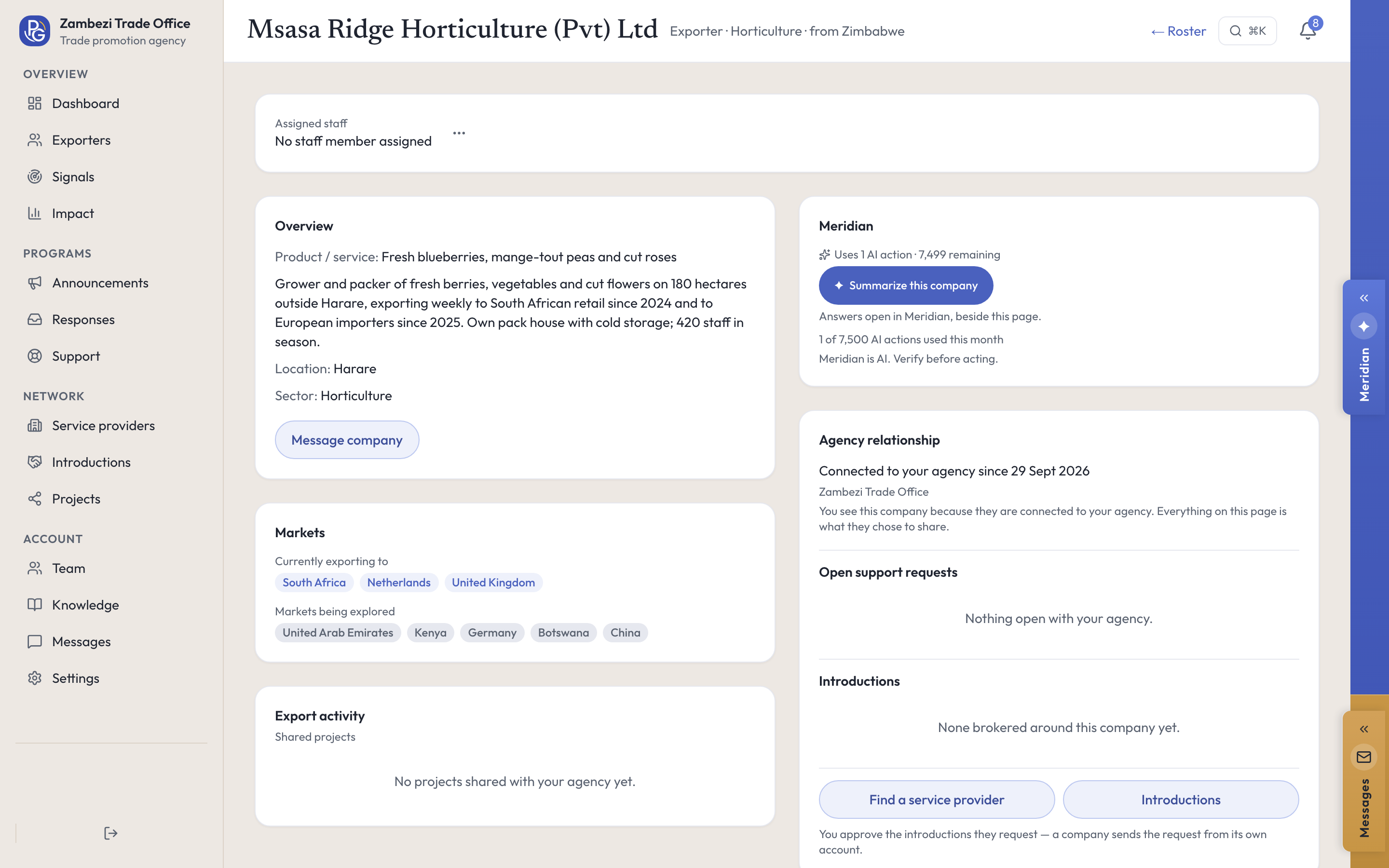
Companies work in their own workspace, preparing a first export or adding a market: research, documents, export projects and Meridian. Your team works in the agency console, and the two meet where a company shares a project or sends a request.
Step 1: Give companies access
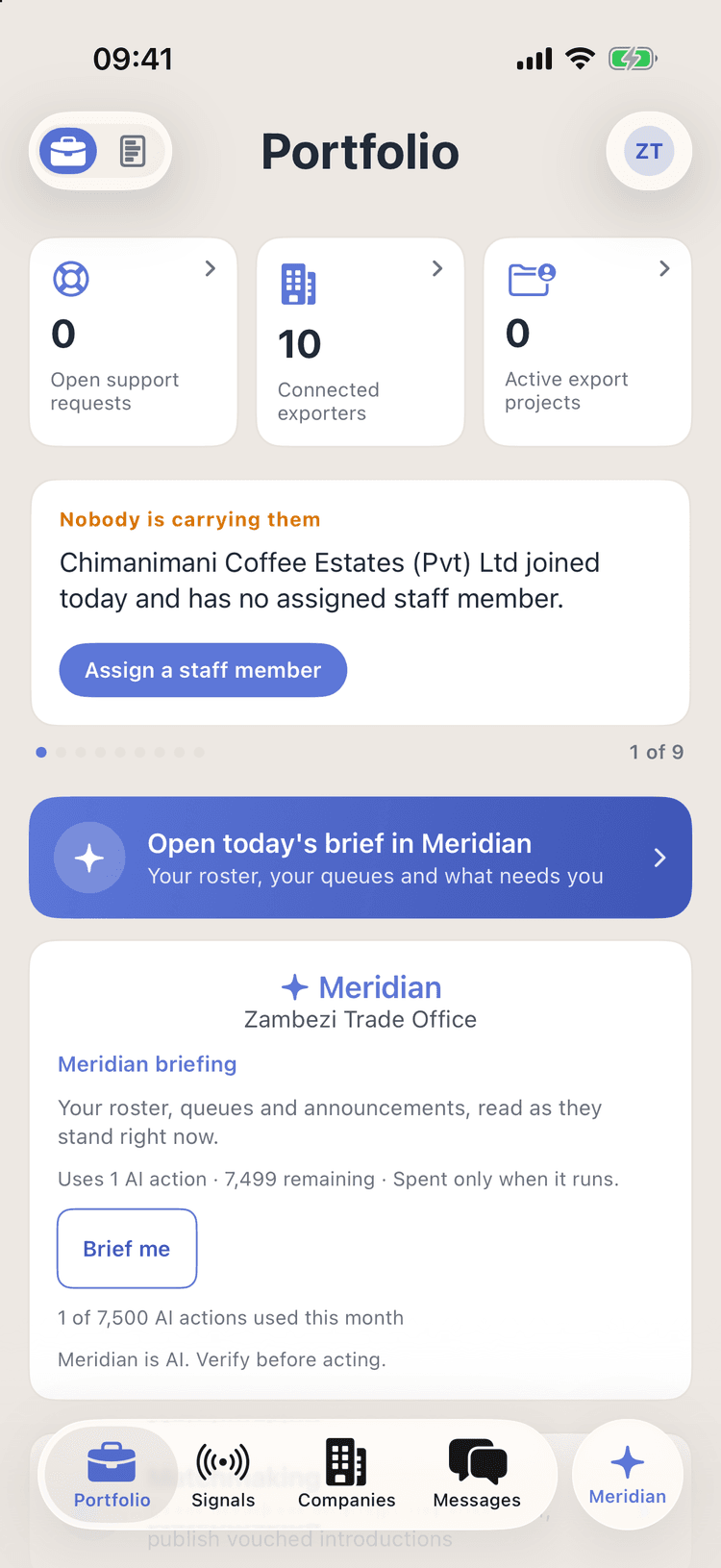
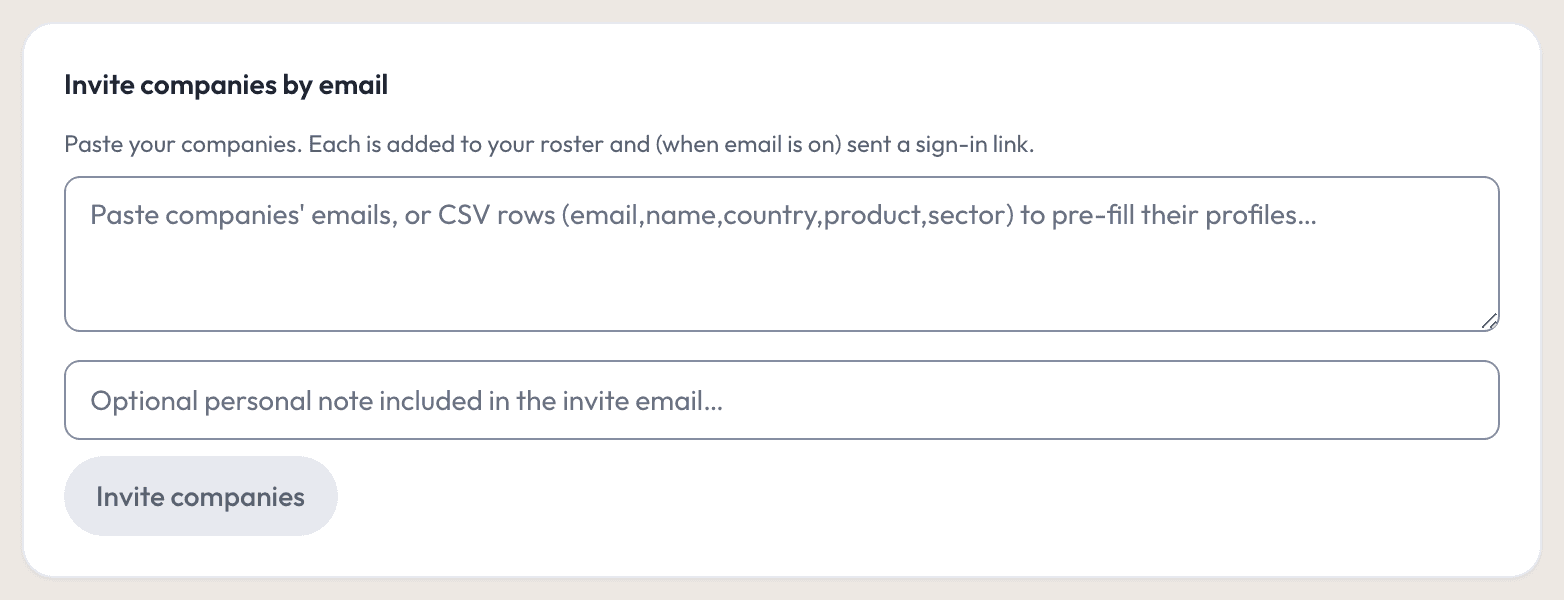
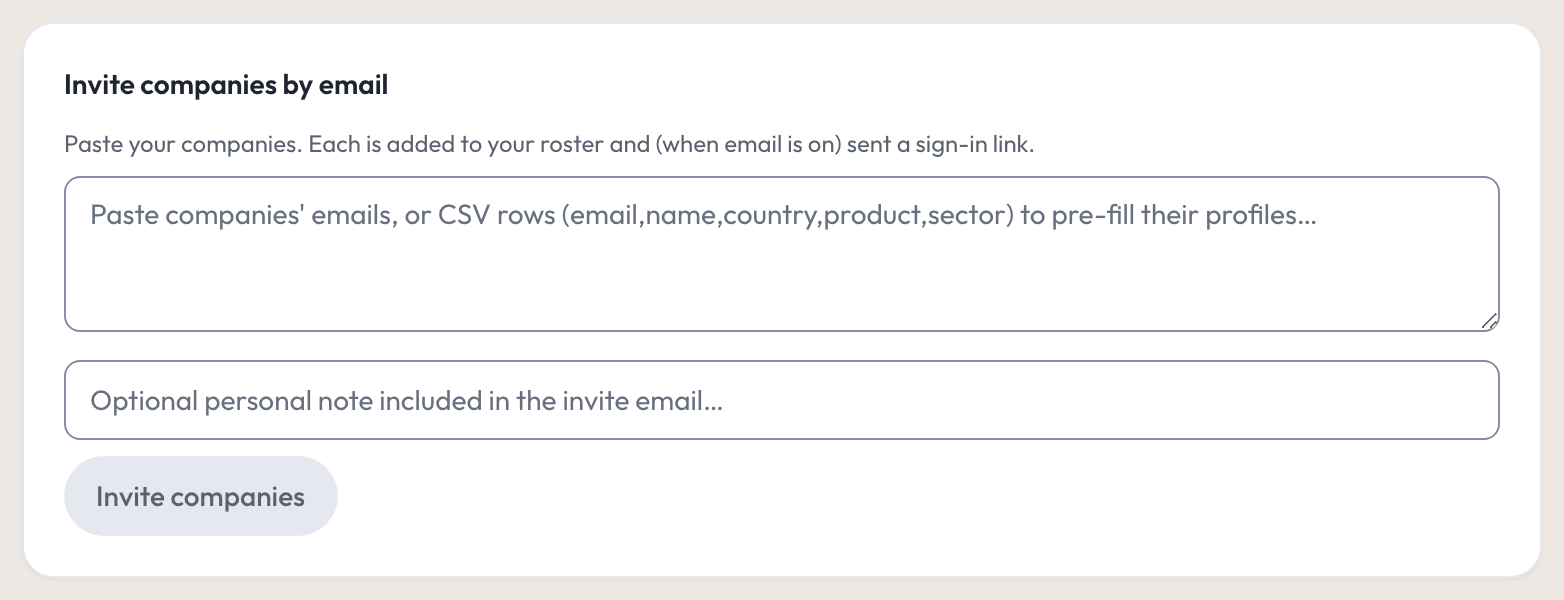
Invite companies by email, or share your invite code. Each joins your roster when it signs in, and can start researching markets and planning an export project, its first or its next.
Step 2: See their export plans
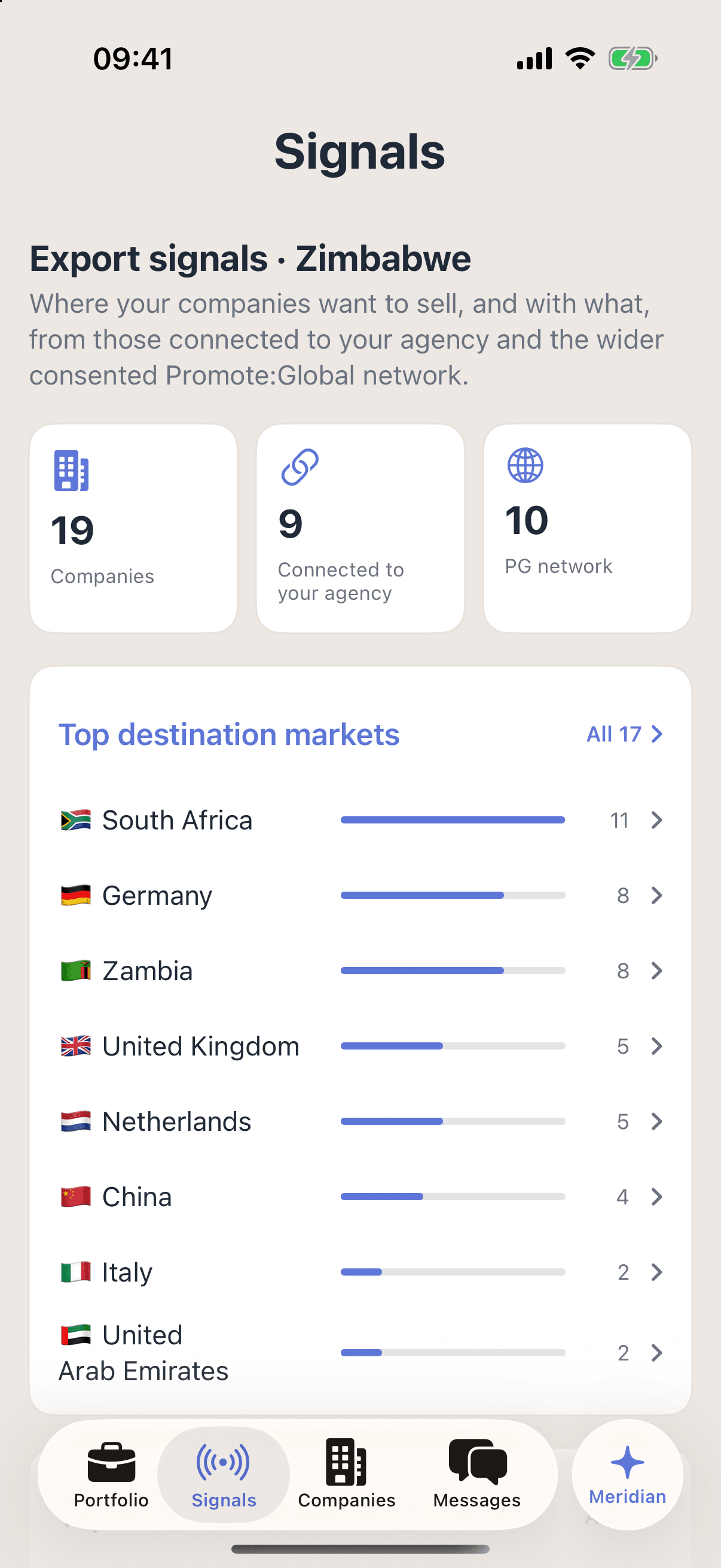
Each company’s page shows the markets it sells to and the ones it is exploring, from its own profile. Signals ranks those markets and sectors across your country: your companies by name, others in the consented network unnamed, each with its sector and markets.
Step 3: Answer and support them
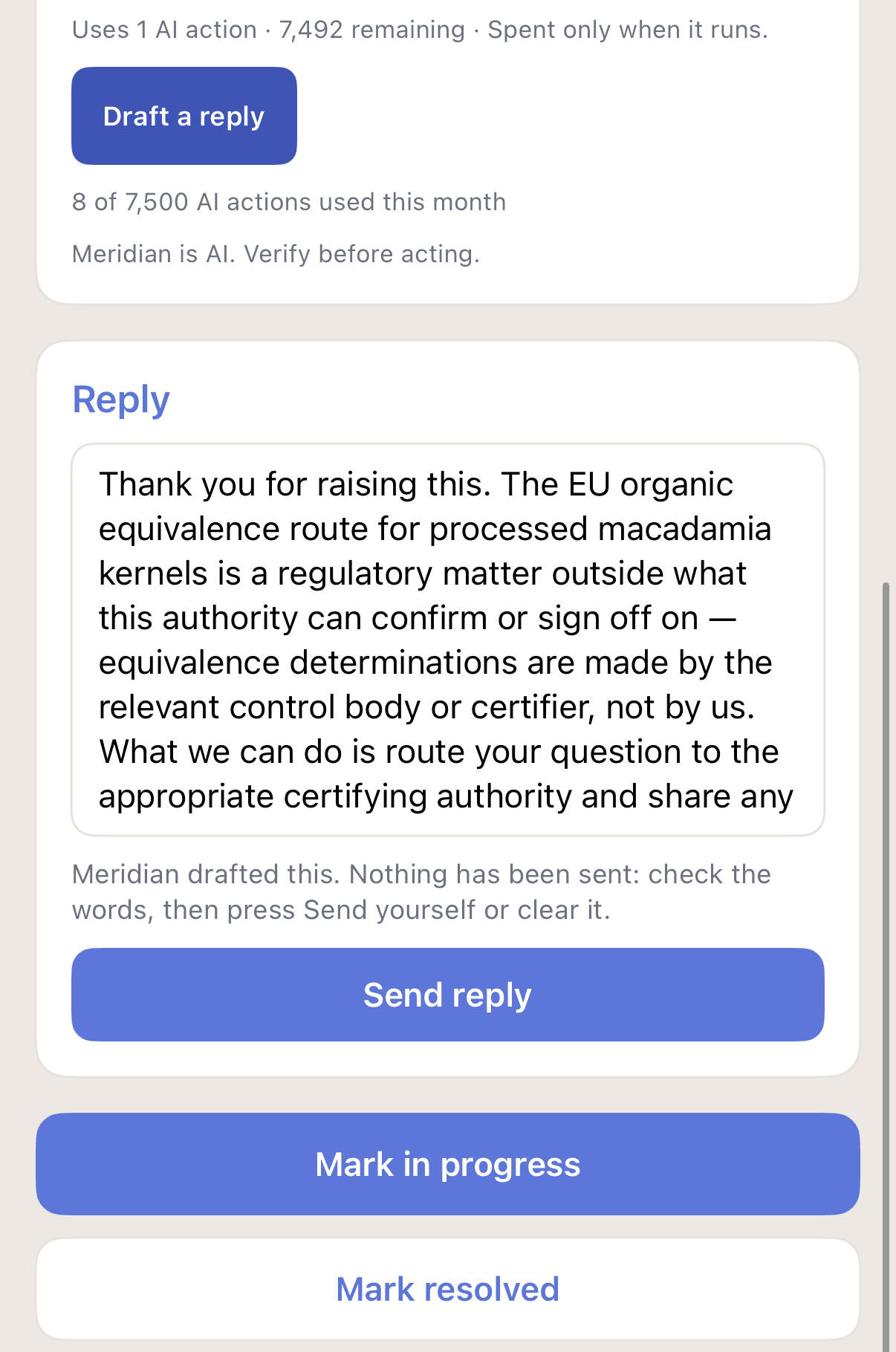
Answer the requests companies send from their workspace, in your words or from a Meridian draft, and message them directly. When a company shares a project with you, follow its plan and, if it allows, add steps.
Step 4: Share opportunities and connect providers
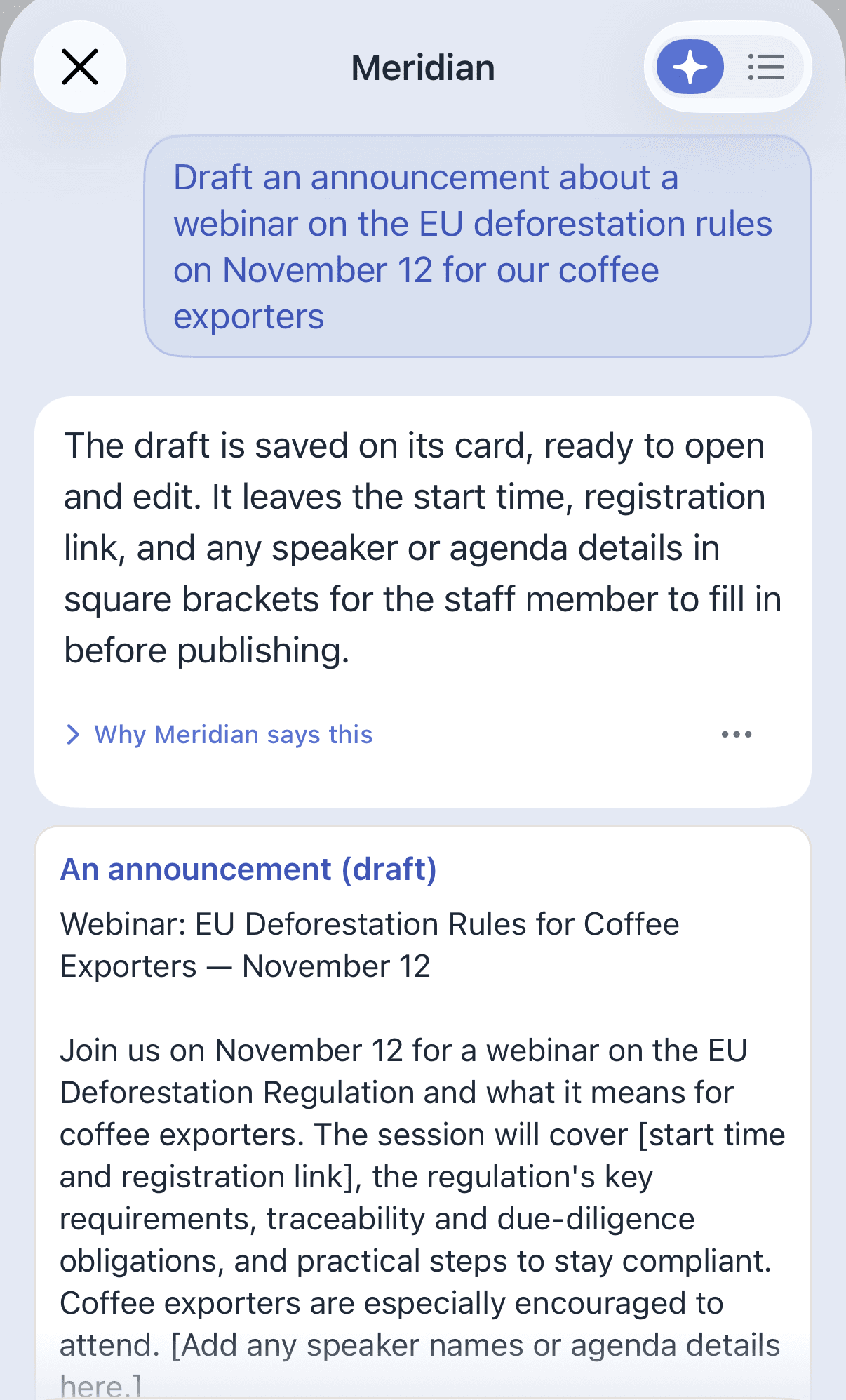
Share opportunities, news and events with the companies in your program as announcements, by market or sector; Meridian can draft them. Find a service provider for a company, including ones your agency lists, and approve the introductions it asks for.
Institutional Meridian
Ask about a company, then draft what you send it.
Institutional Meridian reads what your console can already see: your companies’ shared profiles, your open requests and your announcements. It never sees a company’s private project.
Ask
- What needs you today· No AI action used
- Summarize this company
- What’s blocking progress?
Do
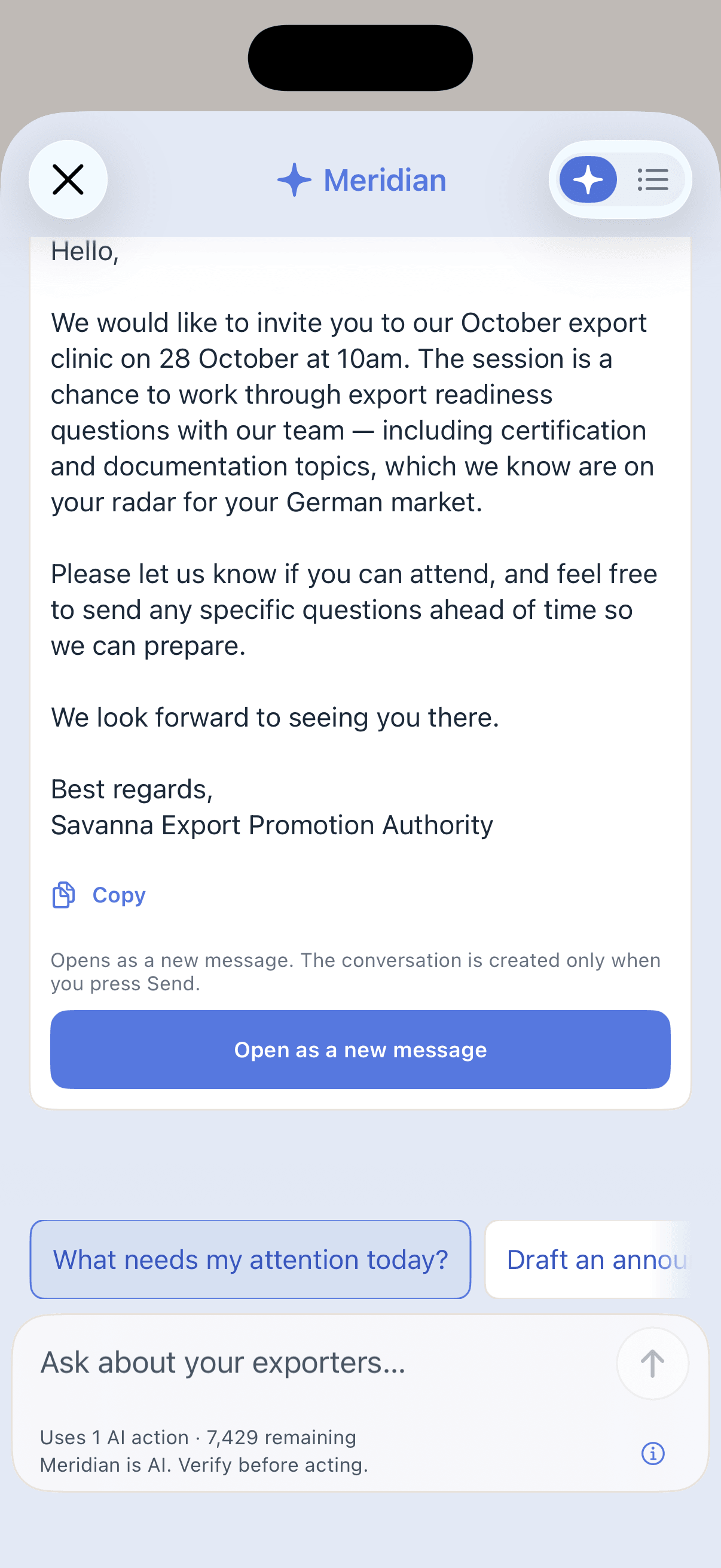
Draft a follow-up to a company, from its page
Draft a reply to a support request
Draft an announcement — each draft opens in your own composer, and nothing goes out until you press Send or Publish
The morning brief is free. A summary or a draft uses one AI action from your organization’s monthly allowance, and the button shows it before you press. It runs on Promote:Global’s EU-resident AI. Meridian is AI. Verify before acting.
Analytics and reporting
See where to focus support, and report on your program.
Signals reads company profiles as they stand today. The Impact report counts your team’s work in a period you choose, and marks the figures that are totals as of today or for all time.
Where companies want to sell
The destination markets and sectors companies in your country name in their profiles, ranked, with your companies behind each one a click away.
What your team did
Support requests raised and resolved, introductions companies requested through your agency, announcements published, and the steps and documents your team added to shared projects.
A report you can file
Beside your team’s work, the projects companies shared with you and the outcomes they recorded, as of today. Print it or save it as PDF, or download it as CSV, with the method note.
Effort is counted apart from results, small samples are flagged, and nothing is modeled: no figure claims your agency caused an export.
What companies control
What your agency sees, and what stays private.
Your agency sees what companies make available through your program: their profile, the projects they share with you and the requests they send. Their other projects, files and conversations stay private.
Named in your program, unnamed outside it
Companies in your program are named. Other companies in your country that share a profile and allow being found appear in Signals unnamed, each with its sector, home country and the markets it names.
Sharing a project is the company’s choice
A company shares a project as view only or as can add and help, and can stop sharing. What your team adds is marked as your agency’s, and the company is told.
Each exchange keeps its record
Staff are invited by email and carry a role. A support request keeps a history the company reads too, and a company card sent in reply to an announcement can be withdrawn.
Bring your companies onto Promote:Global.
Tell us about your program, the companies you want to support, and the staff who will use the console.
Program license + sponsored seats
Custom, by cohort size. The number of sponsored seats is part of the license.
Or email us at hello@promoteglobal.org